Best CMS for Startups in 2026 (Scalable and SEO-Friendly)
Launching a startup means making decisions that will affect speed, costs, and long-term growth. One of the earliest and most important choices involves selecting a content management system. The right platform determines how easily your team publishes content, ranks in search engines, scales traffic, and adapts features as your product expands. The wrong choice creates friction, adds technical debt, and slows marketing efforts that should move quickly.

Many founders focus on design or price first, yet the best CMS for startups balances flexibility, performance, and maintainability. Early traction often depends on landing pages, blog content, documentation, and onboarding resources, which all rely on your CMS working smoothly. In 2026, startups also expect fast load speeds, clean markup, API integrations, and search visibility without heavy engineering support.
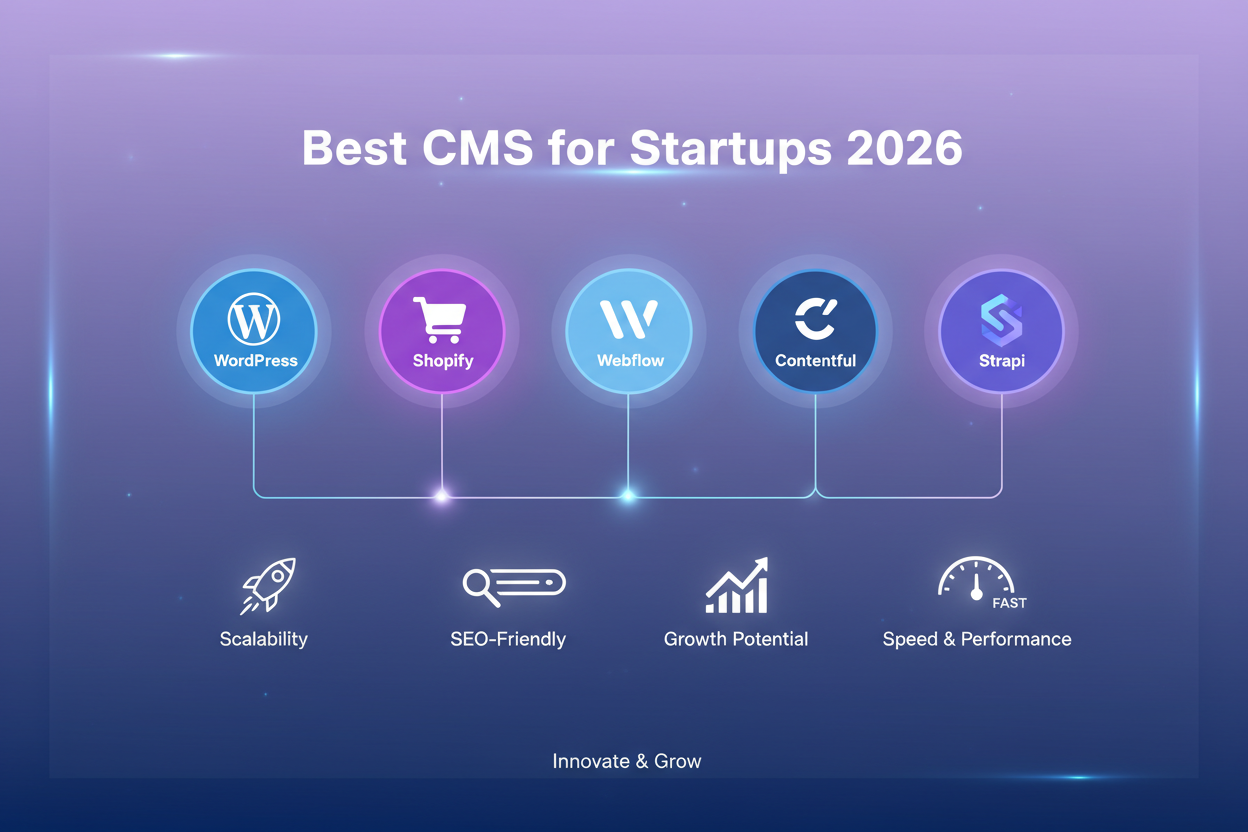
This guide reviews five proven CMS platforms for startups 2026, explains how each platform fits different growth stages, and concludes with a comparison table to simplify selection.
Finding the Best CMS for Startup Growth

A startup rarely stays small for long. Traffic grows, new features appear, and marketing needs change every quarter. Your CMS must keep pace without requiring a full rebuild. That means thinking beyond short-term convenience.
An effective system should support structured content, search optimization controls, dependable hosting, and integrations with analytics or customer platforms. Teams also benefit from an editing experience that non-technical staff can handle without waiting for developers.
Founders often ask three practical questions:
- Can we publish pages quickly without engineering help?
- Will this platform handle traffic growth over the next three years?
- Does it support strong SEO from day one?
Answering those questions leads directly to the right choice.
1. WordPress
WordPress remains one of the most trusted options for startups that need flexibility with minimal barriers to entry. It powers a large portion of the internet and supports websites ranging from small blogs to high-traffic SaaS marketing hubs. For many companies, WordPress continues to represent the safest all-purpose answer to the best CMS for startups question.
Features
- Large plugin ecosystem for SEO, caching, security, and automation
- Thousands of themes for design control
- Block editor for page building without code
- REST API for headless or hybrid setups
- Broad developer community and documentation
Why Choose WordPress
WordPress works well for teams that want control without complex setup. Marketing staff can publish blog posts, update landing pages, and manage images with little training. Developers can extend functionality through custom plugins or integrations with CRM systems, analytics platforms, or payment gateways.
From an SEO standpoint, WordPress offers full control over meta titles, descriptions, structured data, and URLs. Plugins simplify schema markup and sitemaps, which helps search engines understand content faster. That combination makes it a strong seo friendly CMS for startups.
When paired with managed hosting providers, WordPress also becomes one of the most reliable, scalable CMS solutions for startups, capable of supporting large traffic spikes without performance issues.
2. Webflow CMS
Webflow focuses on visual design control and fast publishing. It gives marketing teams the ability to create and edit pages through a visual interface while still producing clean front-end code. Startups that care deeply about branding and landing page experimentation often compare wordpress vs. webflow for startups early in their decision process.
Key Features
- Visual drag-and-design editor
- Built-in hosting and security
- Structured CMS collections for dynamic content
- Clean semantic HTML output
- No server maintenance required
Why Choose Webflow CMS
Webflow reduces reliance on developers for daily updates. Teams can create landing pages, adjust layouts, and publish campaigns without touching code. This speed helps startups test messaging and iterate on marketing assets quickly.
The platform also performs well in search because it outputs lightweight markup and allows full control over metadata. Performance remains consistent since hosting, caching, and CDN delivery come bundled with the service.
Webflow works best for content-heavy marketing sites rather than complex web applications. If your priority involves rapid campaigns and polished presentation, Webflow offers a strong path among CMS platforms for startups 2026.
3. Shopify
Some startups focus entirely on selling products. For those businesses, a general CMS may require too many add-ons to manage inventory, payments, and orders. Shopify fills that gap by combining content management with a complete commerce system.
Key Features
- Product management and inventory tracking
- Built-in payment processing
- Secure hosting and maintenance
- Extensive app marketplace
- Mobile-ready storefront themes
Why Choose Shopify
Shopify removes technical overhead for founders who want to start selling immediately. The platform manages hosting, security updates, and checkout reliability, which allows teams to concentrate on merchandising and customer experience.
While Shopify prioritizes commerce, it still functions well as a seo friendly CMS for startups through customizable product pages, structured URLs, and metadata control. Content sections such as blogs and guides also support inbound traffic.
For retail or direct-to-consumer brands, Shopify can serve as both website and store, reducing complexity while supporting scale.
4. Strapi
Strapi represents a developer-focused option built around headless architecture. Instead of controlling how content appears on a page, it stores structured content and delivers it through APIs. Front-end frameworks then display that content anywhere.
This approach makes Strapi a leading headless CMS for startups that need full technical freedom.
Key Features
- REST and GraphQL APIs
- Custom content models
- Self-hosting or cloud options
- Framework flexibility
- Open-source foundation
Why Choose Strapi
Startups building SaaS products or custom dashboards often prefer Strapi because it integrates cleanly with React, Next.js, or Vue. Developers define content once and reuse it across websites, apps, and documentation portals.
Strapi offers maximum control and performance, which makes it attractive as a CMS for saas startups. However, it requires technical knowledge for setup and hosting. Non-technical teams may need support for configuration tasks.
For engineering-led companies that want full ownership of infrastructure, Strapi provides long-term flexibility and strong scalability.
5. Contentful
Contentful is another headless platform, built with enterprise-grade workflows. It focuses on structured content and multi-channel delivery. Teams managing large content libraries often select Contentful for consistency and governance.
Key Features
- Structured content modeling
- Localization support
- API-first architecture
- Collaboration workflows
- Global CDN delivery
Why Choose Contentful
Contentful excels at organizing content across many digital properties. Startups expanding into multiple regions or apps can reuse the same content across each channel. Editors benefit from controlled workflows, while developers gain strong APIs.
For companies planning rapid international growth or multi-platform experiences, Contentful stands out among scalable CMS solutions for startups.
How These CMS Options Compare for Startups

Looking across these five platforms side by side, the differences come down to how your team builds, publishes, and maintains content each week. Startups often assume the decision hinges on features alone, yet daily workflow usually has a stronger impact. A system that matches how your team already operates will feel natural to use, while a mismatch creates extra steps that slow momentum.
WordPress sits in the middle as a flexible generalist. It supports blogs, landing pages, documentation hubs, and even light commerce without requiring heavy setup. Its large community and plugin ecosystem make it easy to add functionality as new needs appear, which helps early-stage teams move quickly without rebuilding from scratch.
Webflow leans into design ownership and speed. Marketing teams can create and adjust pages directly through a visual interface, which reduces dependency on developers for routine updates. This approach works well for startups running frequent campaigns, testing messaging, or refining brand presentation on a regular basis.
Shopify takes a different path by centering everything around selling. Product catalogs, payments, and order management live inside the same system, so retail-focused startups spend less time stitching together separate services. For commerce-first businesses, this focus often leads to fewer operational headaches.
Strapi and Contentful serve teams that prefer full technical control. Their headless structure separates content from presentation, which allows developers to deliver the same content across websites, apps, and other digital channels. This flexibility supports custom builds and complex products, though it usually requires stronger engineering involvement.
When you place these options next to one another, the pattern becomes clear. WordPress and Webflow suit marketing-led teams that need speed and independence. Shopify supports product-driven stores. Strapi and Contentful fit engineering-led environments that value control and scalability. Matching those strengths with your workflow leads to a practical decision.
CMS Platform Comparison
Here is a comparison table to show businesses what they can choose and why:
| CMS Platform | Best For | Strengths | Limitations |
| WordPress | Content sites, SaaS marketing | Flexible, strong SEO, large ecosystem | Requires plugin maintenance |
| Webflow | Marketing and landing pages | Visual editing, hosted infrastructure | Less suited for complex apps |
| Shopify | Online stores | Built-in commerce features | Limited outside retail focus |
| Strapi | Developer-led startups | API flexibility, custom builds | Requires technical setup |
| Contentful | Multi-channel scale | Structured content, governance | Higher learning curve |
How to Choose the Best CMS for Your Team
Selecting a CMS can feel overwhelming because every platform claims speed, flexibility, and growth potential. In practice, the right choice depends less on feature lists and more on how your team actually works each day. A startup with two marketers and no developer has very different needs than a SaaS company with an engineering squad building custom front ends. Treat this as a practical decision, not a technical one. Follow the steps below to match your workflow, skills, and growth plans with the CMS that fits best.
Step 1: Write down what the site must do in the next six months.
List the pages you need now, such as landing pages, a blog, documentation, pricing pages, or an online store. This keeps you focused on real needs instead of chasing extra features.
Step 2: Decide who will publish and update content every week.
If marketing publishes often and needs independence, WordPress or Webflow will usually fit better. If engineers control updates and prefer structured systems, a headless platform may suit your team.
Step 3: Confirm how much design control you require.
If frequent layout changes and brand-heavy visuals matter, Webflow offers strong visual control. If you prefer themes and plugins with broader flexibility, WordPress handles that well.
Step 4: Check if your product needs a custom front end.
If you plan to build with frameworks like React or Next.js and deliver content through APIs, look at Strapi or Contentful. These platforms work well for teams that want complete technical freedom.
Step 5: Decide if commerce is the core function.
If selling products and managing payments sits at the center of your business, Shopify simplifies operations by including checkout, inventory, and security in one system.
Step 6: Choose your hosting approach before committing.
Hosted platforms reduce infrastructure work and free your team from server upkeep. Self-hosted options provide deeper control but require ongoing maintenance that someone must manage.
Step 7: Test the editing experience with real tasks.
Create a sample post, build a landing page, and update SEO settings. The platform that feels easy during daily use will save the most time later.
Step 8: Select the option that removes friction from daily work.
Pick the CMS that helps your team publish faster and manage growth with fewer hurdles, because simplicity tends to support better results over time.
Remember: The right platform should remove friction rather than introduce it.
Conclusion
Choosing the best CMS for startups often feels less like a technical decision and more like a practical one that plays out during daily work. Over time, small tasks such as publishing pages, adjusting layouts, or updating content begin to matter more than long feature lists. A platform that fits your team’s habits tends to make progress easier, while the wrong one adds extra steps that slow everything down. When the system supports how you already operate, growth feels simpler, and your site keeps pace without constant rework or second guesses.













Post Comment